· Philippe Daix · How It Works · 1 min read
Worklogs – Updates
Maintaining your projects is the key factor of success. The Latest Updates page helps you stay on top of everything.
Maintaining your projects is the key factor of success.
Latest Updates Page
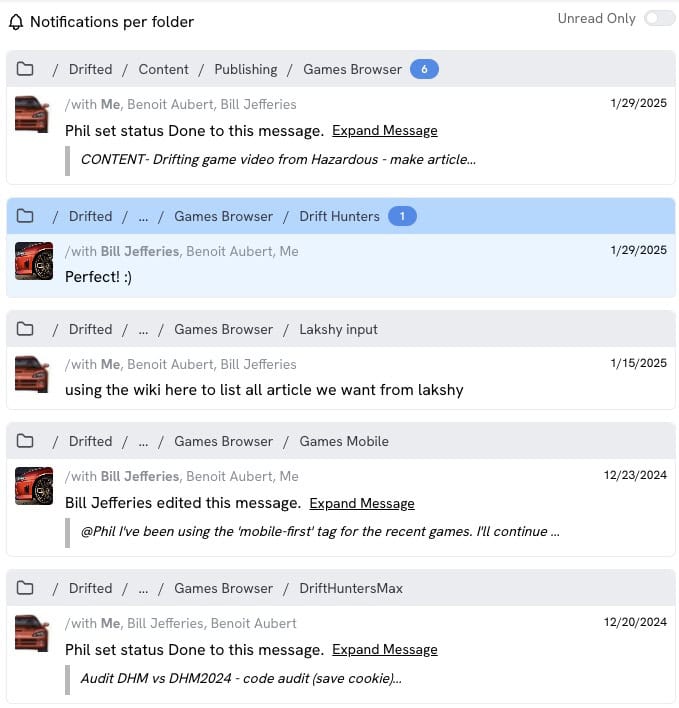
Worklogs offers functionality designed to minimize time spent reviewing project communications. The ‘Latest Updates’ page consolidates the most recent messages from each folder while enabling quick maintenance tasks including:
- Marking messages as read
- Responding to messages
- Pinning content
- Additional actions
Message Status Indicator
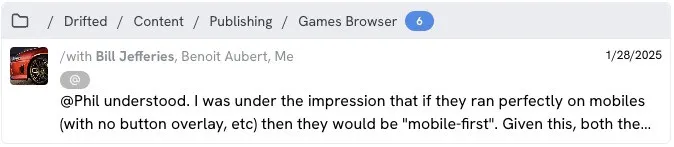
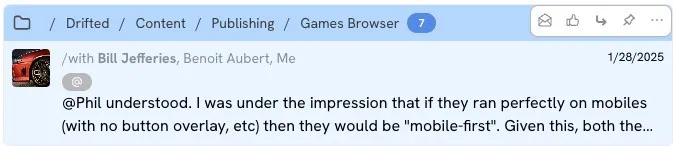
The primary action involves manually marking messages as read. Unread messages will appear with a blue background. Once marked as read, they disappear from the display.
Users can toggle filters to view only unread messages or access previously read content.
Message Display
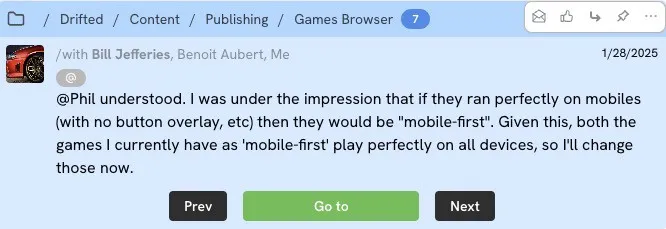
Messages collapse by default but expand when clicked to reveal additional text and three navigation buttons:
- Prev/Next buttons – Enable quick navigation through preceding messages within the folder
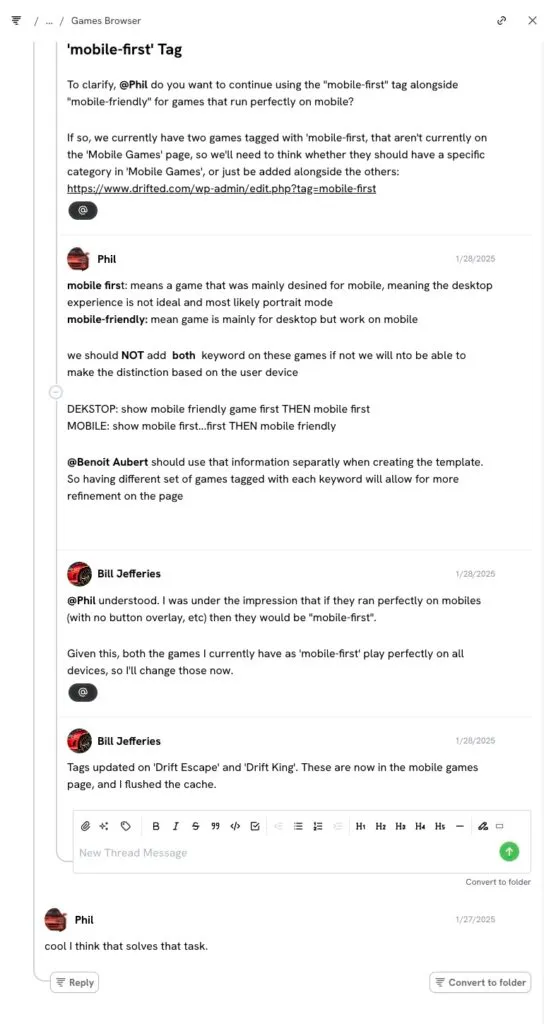
- GoTo button – Opens a modal displaying the full conversation thread with all message actions available
Interaction Methods
Users can mark messages as read in a single click and access rollover actions including read status, reactions, replies, pins, and additional options.