· Philippe Daix · How It Works · 1 min read
Worklogs – Time Tracking
Break free from project management complexity with optional time tracking capabilities on any pinned task.

The platform’s core philosophy centers on breaking free from project management complexity. Time tracking capabilities are offered as optional features rather than mandatory requirements.
Manual Timer
Users can initiate one-click time tracking on pinned messages and tasks. The interface provides simple controls: start the timer, leave the page while tracking continues, then stop when finished.
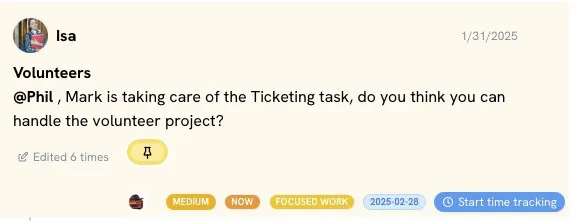
The system processes timing data on servers, preventing tampering. Manual time editing is now available.
Automatic Timer (Coming Soon)
The platform will introduce app-wide automatic tracking, allocating time automatically as users navigate between tasks — particularly beneficial for managers juggling multiple responsibilities.
Time Tracking Report
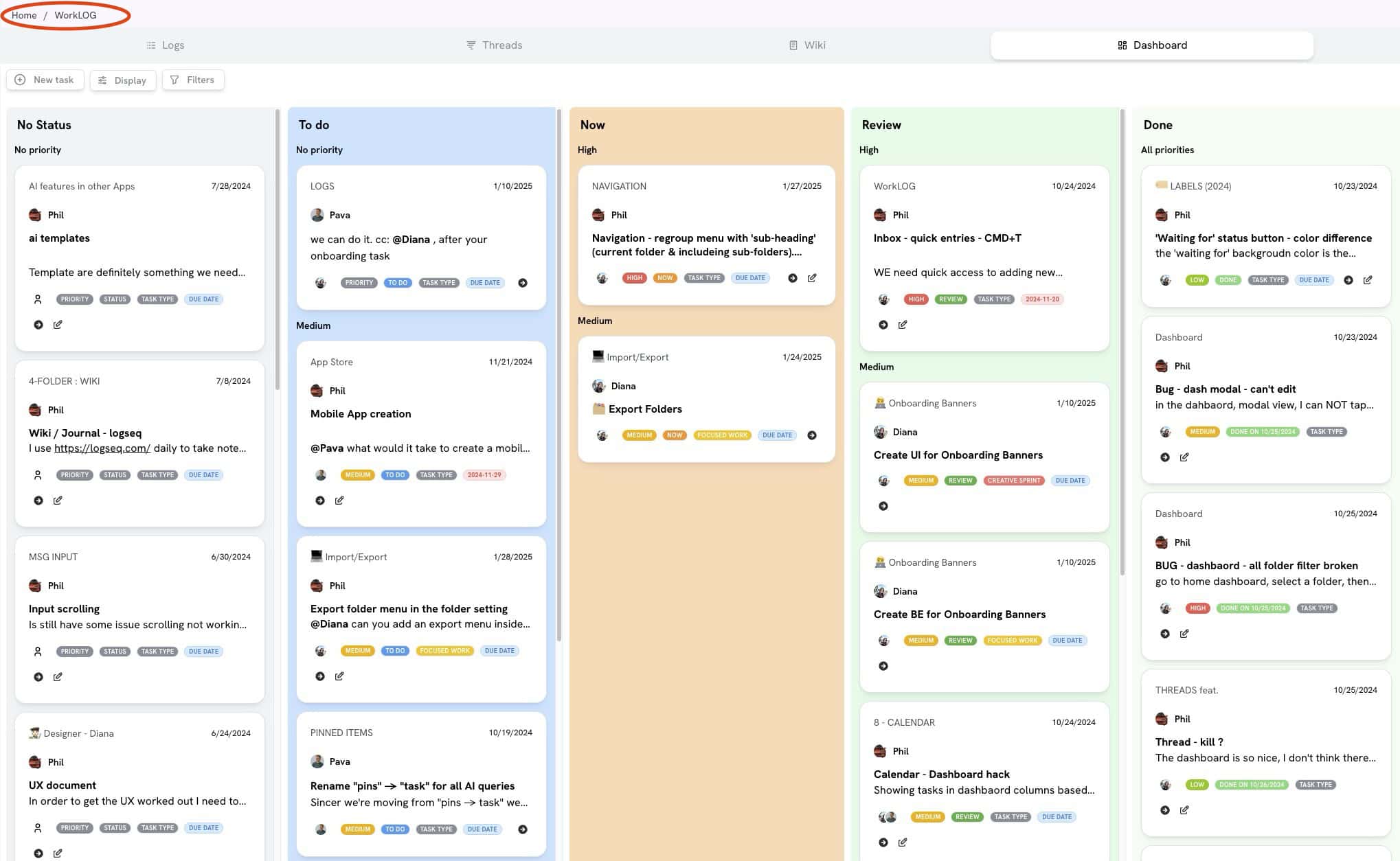
Users can access their dashboard’s “time tracking report” to analyze time distribution across:
- Folders
- Conversations
- Tasks
- Wiki sections
Edit Time Feature
Users can manually input time if they forget to start/stop timers. Project managers can disable this feature per user through folder or account settings, maintaining accountability while allowing flexibility.