· Philippe Daix · How It Works · 1 min read
Worklogs – Pinned Messages & Dashboard
One click can turn any message into a task that may be delegated, assigned, or retained privately.
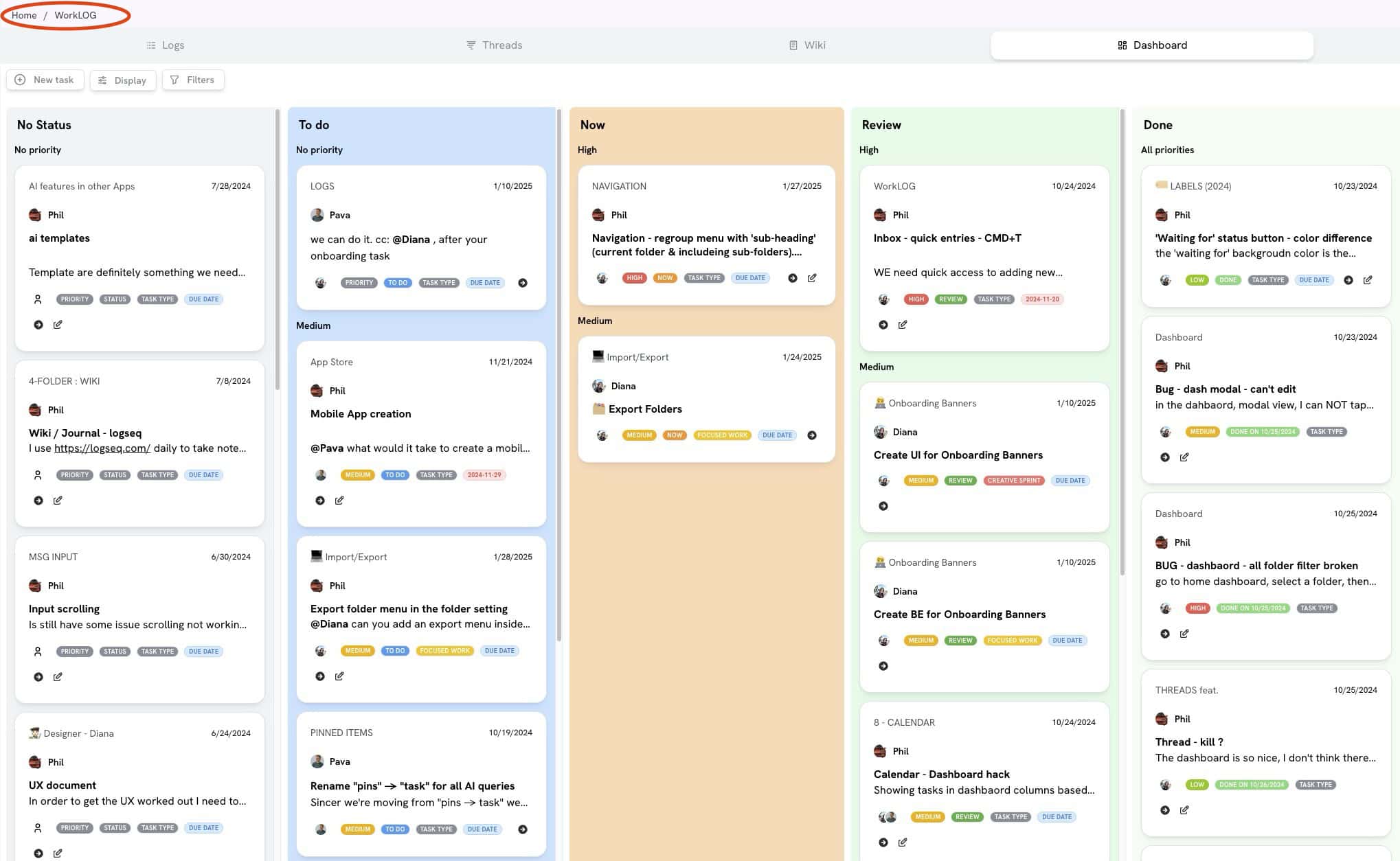
The Worklogs platform enables users to convert chat messages into actionable tasks. One click can turn any message into a task that may be delegated, assigned, or retained privately.
Message Pinning
When you pin a message:
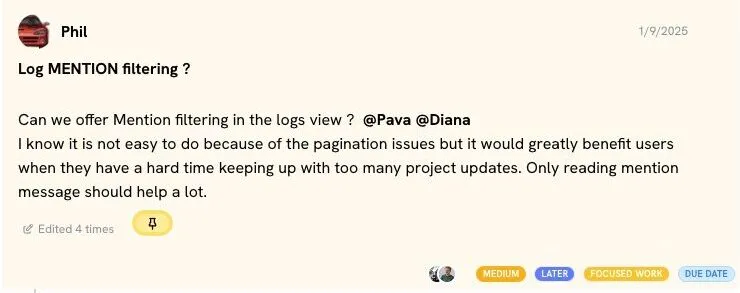
- Messages appear with a yellow background when pinned
- Can be assigned to specific users with due dates and tags
- Accessible both publicly and privately
Dashboard Functionality
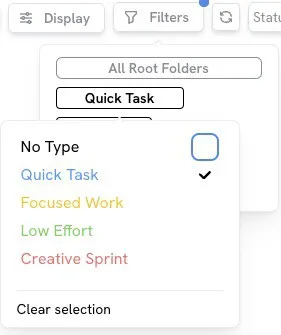
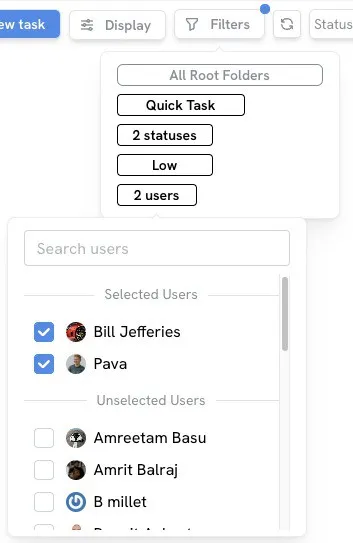
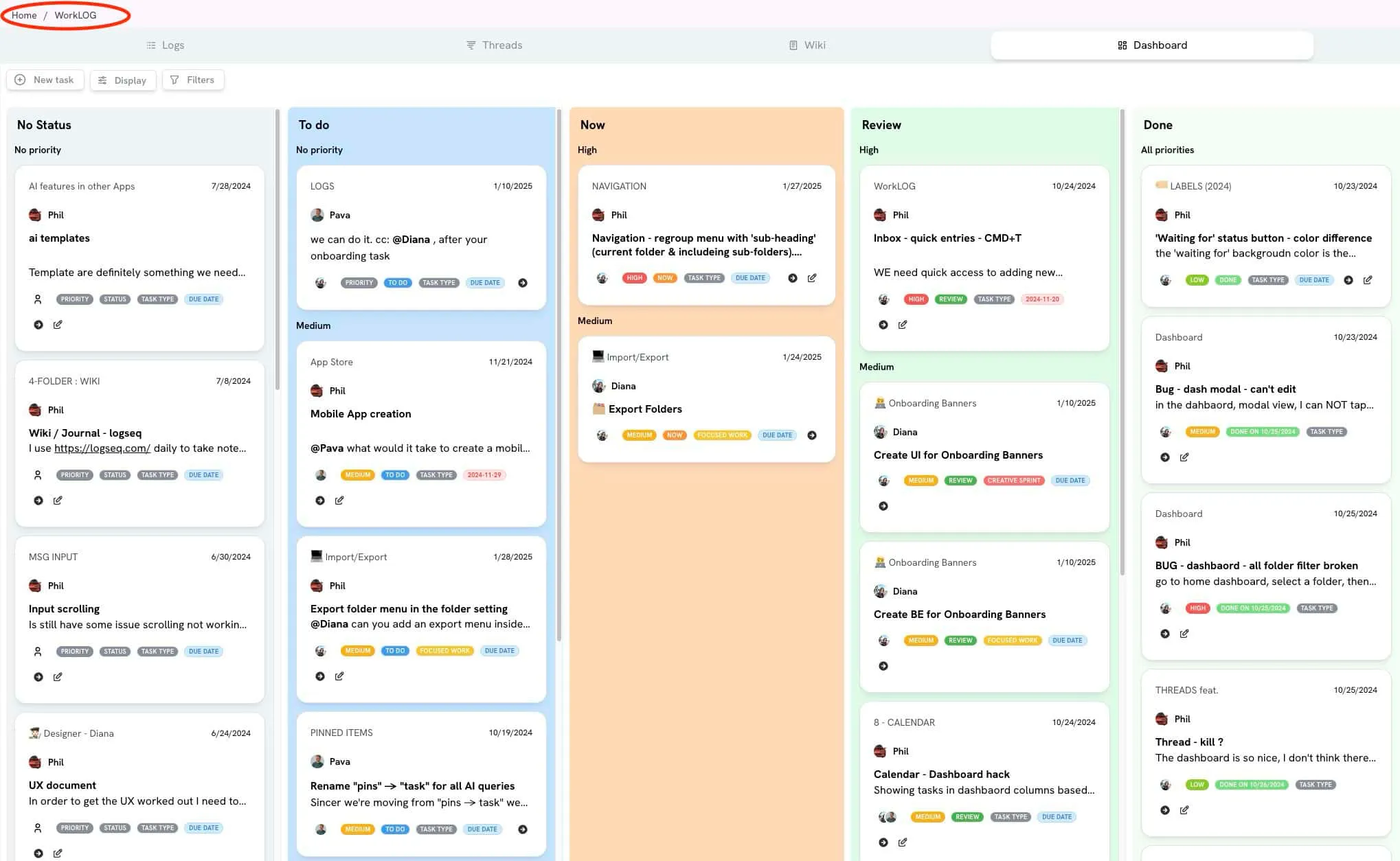
The system provides a “card style” dashboard offering robust filtering capabilities. Users can perform maintenance tasks without leaving the dashboard, including:
- Editing messages
- Assigning users
- Setting priority levels
- Designating task types
- Adjusting energy levels
- Setting due dates
Interactive Elements
Users can click an arrow icon to read messages within conversations via a modal popup, enabling quick replies without leaving the dashboard. The platform also supports creating new tasks directly from the dashboard.
Filtering and Sorting
The dashboard displays pinned messages grouped by status and priority by default. As the team expands, filtering becomes essential. Every variable associated with pinned messages serves as a filter option, including energy level and user assignment.